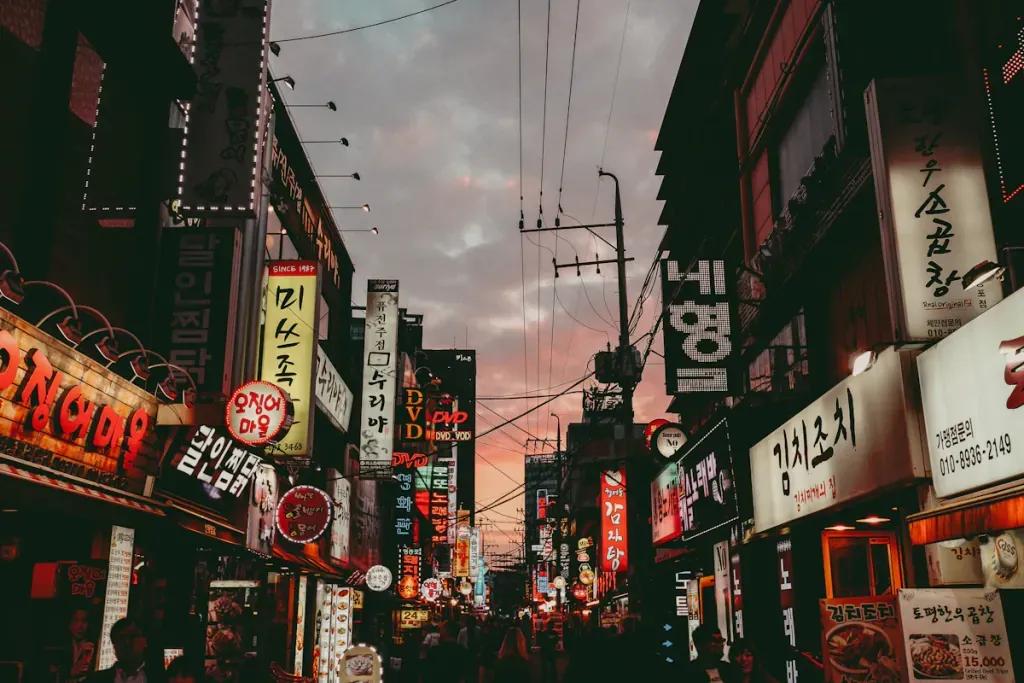
Seoul might be the best-connected big city on the planet. SK Telecom, KT and LG U+ run dense 5G and LTE across the entire metropolis, and your eSIM rides one of these as its host network. The result is speed and coverage that make most European capitals feel rural: full signal in subway tunnels, in underground shopping arcades, on Han river bridges, and halfway up the granite trails of Bukhansan.
The thing that surprises visitors is where the signal does not drop. The Seoul Metro has complete mobile coverage on platforms and inside moving trains, tunnels included, plus free Wi-Fi in stations - locals stream video for the entire commute and so can you. Above ground, the only soft spots you are likely to meet are the deepest basement floors of older buildings and the occasional mountain valley outside the city. Inside Seoul proper, if your phone shows no bars, restart it before blaming the network.
Here is the one thing to know before you land: Google Maps barely works in Korea. Because of long-standing restrictions on exporting detailed mapping data, Google cannot offer proper walking or driving directions - transit routing works, navigation does not. Locals do not use it, and neither should you.
- Naver Map and Kakao Map are the real maps of Korea - both have English interfaces and do walking, driving, transit and even hiking routes properly. Download one (or both) before arrival.
- Kakao T is how you hail a taxi. Street-hailing works, but Kakao T removes the language barrier and the "where exactly is this alley" problem.
- Papago, Naver's translator, handles Korean noticeably better than Google Translate - menus, signs, and the camera mode all included.
- Card acceptance is near-universal in shops and restaurants, but transit is its own world: you tap a T-money card, not your bank card. Foreign contactless cards cannot yet be tapped directly at subway gates - Seoul is rolling out an open-loop system in stages through 2030 - though ticket kiosks at major stations now accept foreign Visa, Mastercard, JCB and Amex for buying and topping up T-money, which used to be a cash-only chore.
Every one of those apps assumes you are online, which is exactly the case for a data eSIM here.
From Incheon Airport, the AREX train runs to Seoul Station two ways: the all-stop commuter train (about an hour, works with T-money) and the Express (about 43-50 minutes, separate ticket). Airport buses and taxis cover the rest of the city directly. Grab a T-money card at an airport convenience store or kiosk, load it, and the entire subway and bus network opens up. The ride into town is when Naver Map, Papago and your accommodation messages all fire at once - install your eSIM before you fly and skip the airport Wi-Fi login dance.
More than in most cities. You will lean on data-hungry map apps constantly (Seoul's alley geography demands it), run Papago on menus, and probably upload more food photos than you planned. For most travelers 1GB per 2 days is a comfortable baseline; heavy video calls or K-pop concert livestreaming push that up. Plans top up from your dashboard if the trip outruns the estimate, and the South Korea eSIM comparison breaks down how the host networks differ.
Seoul dresses sharply - athleisure as streetwear is far less common than in the West, and you will feel it in nicer restaurants and department stores. Summer needs the lightest breathable clothing you own plus a compact rain shell or umbrella for the jangma downpours. Winter is genuinely Siberian-wind cold: a real insulated coat, not a layered hoodie. Best tip in the city: rent a hanbok near the palaces - full hanbok wearers (top and bottom both) get free admission to Gyeongbokgung and the other royal palaces, and the rental shops handle fitting in minutes.
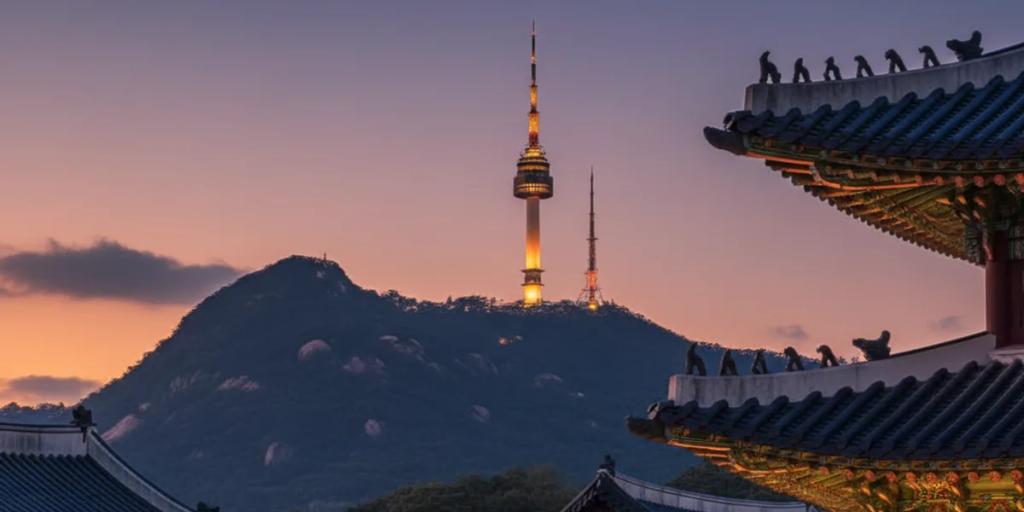
Gyeongbokgung's changing of the guard runs at 10:00 and 14:00 (palace closed Tuesdays) - arrive at opening to shoot the courtyards before the hanbok crowds build, then let the ceremony come to you. Bukchon Hanok Village now enforces visiting hours for tourists in its core lanes (10:00-17:00, with fines for wandering the red zone after hours) - go mid-morning, keep your voice down, and the tiled rooflines with N Seoul Tower behind are yours. For the tower itself, walk the Namsan path at dusk instead of taking the cable car up. Gwangjang Market's food alleys glow best in the evening - shoot from a stool, not standing. Drones are heavily restricted across central Seoul; do not bother.
Seoul has been a capital for over 600 years, since the Joseon dynasty settled here in 1394. In June 2023, Korea standardized its traditional age-counting system to international age - the entire country legally became a year or two younger overnight. And the subway everyone praises really does have heated seats in winter and platform screen doors at virtually every station.
Cherry blossom season peaks in early-to-mid April, with the Yeouido spring flower festival drawing the biggest crowds along the river. The Seoul Lantern Festival has moved from its old November slot and now runs mid-December to early January along Cheonggyecheon as part of Seoul's Winter Festa. Seollal and Chuseok (the lunar new year and harvest holidays, dates shift each year) empty the city as Seoulites travel home - palaces open free, but many restaurants close for days. And July's famous Boryeong Mud Festival is not in Seoul at all: it is a 2.5-hour trip to Daecheon Beach, doable as a long day out.
The love: Seoul is astonishingly safe at any hour, the food scene runs 24 hours in every direction and every price band, and the cafe density borders on absurd - you are never more than a block from good coffee. The gripes are real too: summer monsoon humidity is draining, half the interesting neighborhoods (Bukchon, Itaewon, anything near Namsan) sit on serious hills, the city's work-hard intensity radiates even onto holidaymakers, and English gets thin fast outside the tourist cores. Papago genuinely fixes that last one - which is one more reason data matters here.
Yes, completely - platforms, tunnels and moving trains all have full LTE/5G coverage plus free station Wi-Fi. It is regularly cited among the world's best metro systems partly for this. You can navigate, message and stream for an entire crossing of the city without a single dropout.
Not really. Korean map-data export restrictions mean Google Maps cannot give proper walking or driving directions in Korea - transit routing is about all it does. Download Naver Map or Kakao Map before you arrive; both have full English modes and are what locals actually use.
Not at the gate yet. Seoul transit runs on the T-money card, and open-loop bank-card tapping is being phased in only gradually toward 2030. The good news: ticket kiosks at major stations now accept foreign cards for buying and topping up T-money, so you no longer need a stash of cash for it.