Prepaid travel data for Russia with instant activation and no roaming fees
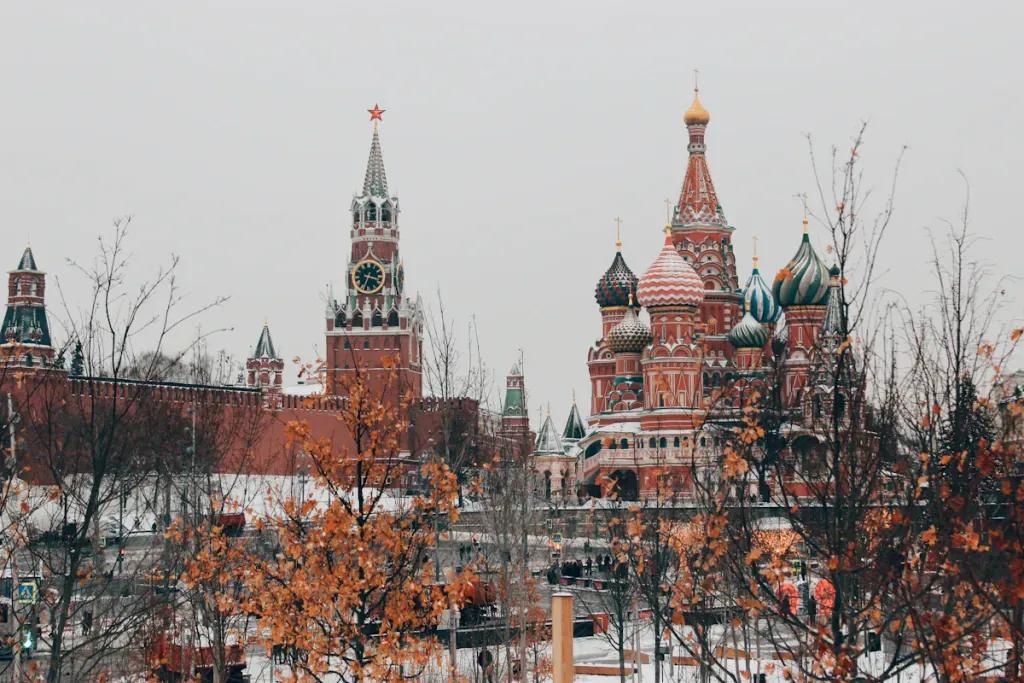
Beautiful view of Russia - stay connected with eSIM Russia
Quick Setup
No Roaming
4G/5G Speed
Refund Policy
Data only — no phone number, no calls, no SMS Your own number stays active on your existing SIM (dual SIM), and you can call and message through WhatsApp, FaceTime and similar apps.
Choose Your Plan
Plans are temporarily unavailable for this destination.
Russia eSIM Technical Specifications
Network Speed
4G LTE / 5G
Activation
One tap on your phone
Calls & SMS
Not included
You do not get a new phone number with this eSIM.
Frequently Asked Questions about Russia eSIM
Do I get a phone number with the eSIM?
No. Our eSIMs are data-only, so they do not come with a phone number. You use them for internet access — maps, WhatsApp, email, social media, streaming and any other app. Your existing SIM keeps your own phone number active.
Can I make or receive calls and text messages (SMS)?
Not standard calls or SMS — the eSIM provides mobile data only. You can call and message as much as you like through internet apps such as WhatsApp, FaceTime, Telegram, Signal or Messenger, which run on the eSIM's data. Standard calls and SMS keep working on your usual number through your home operator, as long as you keep that SIM active.
How much data do I need for Russia?
It depends on the plan you choose. Across nearly 3,000 of our customers' finished eSIMs, the typical one used half to two-thirds of its plan, and on the smaller plans (1-5 GB) about one in three used all of it. Maps and messaging use little; video, video calls and sharing your connection use the most. If in doubt, take the next size up. If you do run out, you can buy another eSIM at any time - you will need WiFi to install it.
What network speeds will I get in Russia?
Your Russia eSIM uses a local mobile network: 4G, and 5G where the network offers it. Speed depends on coverage and your location.
Can I use my eSIM for hotspot/tethering?
Yes, but only for Data Plans with a fixed data allowance. Unlimited plans do not support hotspot or tethering.
When should I install my Russia eSIM?
Install your eSIM while you still have WiFi at home - it is safe to do so days in advance for either plan type. Per-GB plans only start when the eSIM first connects to a network in Russia. Unlimited plans run on the travel dates you select at checkout, with the days counting from your chosen start date whether the eSIM is installed or not - so make sure it is on your phone by that date.
Setting up your eSIM? The installation and activation guide walks through it step by step, and the full FAQ covers device compatibility, hotspot, dual SIM and topping up.
Staying connected in Russia - arrange your eSIM before you go
Getting online as a visitor to Russia has become harder: international roaming options are limited and foreign-issued payment cards are widely unusable, which makes buying a local SIM on arrival difficult. The practical answer is to set up a travel eSIM before you travel, while you can still pay for and install it.
Tap Install on your phone at home, then switch off airplane mode after you land and you are connected - no local SIM purchase, no Russian payment card required.
Getting online at Moscow and St Petersburg
The eSIM connects when you turn off airplane mode at Moscow (Sheremetyevo SVO, Domodedovo DME, Vnukovo VKO) or St Petersburg (LED), so maps, taxis and translation work immediately - important when much of the wayfinding and signage is in Cyrillic.
Coverage in the cities and between them
Russia's domestic networks (MTS, MegaFon, Beeline and Tele2) give broad 4G/LTE coverage across the cities and the main intercity routes, including the Moscow-St Petersburg corridor. That is plenty for navigation, translation and messaging through your trip; coverage naturally thins across the most remote regions.
Good to know before you go
Why set up the eSIM before arriving in Russia?+
Because foreign payment cards are widely unusable in Russia and buying a local SIM as a visitor is difficult, it is far simpler to buy and install a travel eSIM before you go - then it just activates when you land.
Will my normal home roaming work instead?+
Often not - many operators have suspended or limited roaming to Russia, and where it exists it can be very expensive. A travel eSIM gives you a predictable, prepaid alternative.